Articles
Introducing Deckhand: Turn Claude Code into Your Multi-Agent Mission Control
Deckhand is an open-source Claude Code plugin that adds a toolbar above the input box: dispatch tasks read-only to Codex, Cursor agent, and agy for a second opinion, run parallel subagents with Sub5, and track usage metrics while switching models. This post covers installation, features, data flow, and known limitations.
· 6 min read
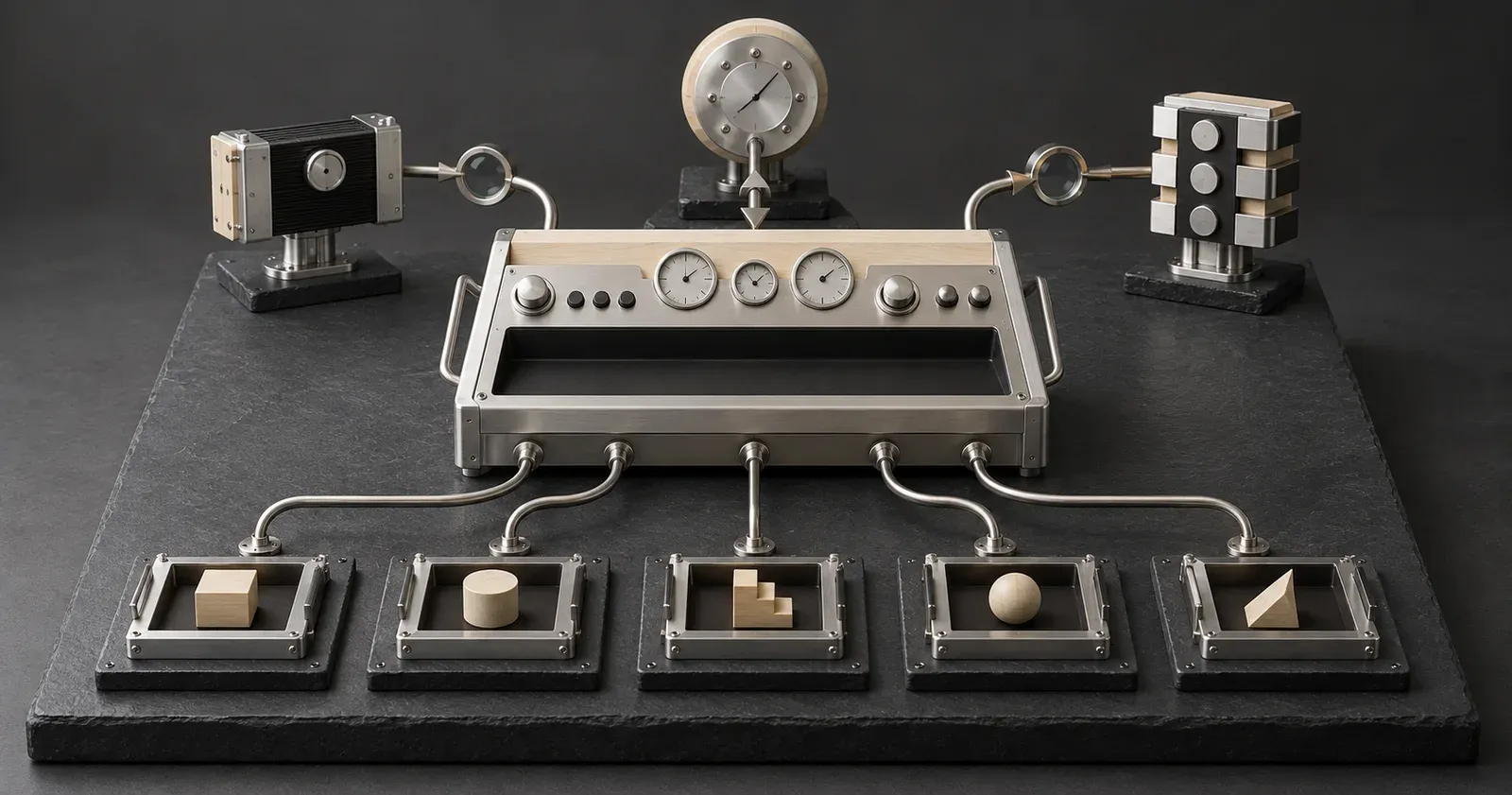
Deckhand is a Claude Code plugin that adds a toolbar directly above the input box. Claude remains the primary agent; the toolbar lets you delegate tasks to Codex, Cursor agent, or agy in a read-only mode, and Claude reviews the returned response before deciding whether to adopt it.
The toolbar also provides usage metrics, model switching, and Sub5—which breaks tasks down across multiple subagents running in parallel. It works in both the terminal and the desktop app. The current release is 1.1.1, under the MIT license.
Disclosure: Deckhand is developed by the author of this site.
Feature Overview#
| Section |
Feature |
cL cS cA cR gF |
Delegate tasks read-only to another AI CLI, with Claude reviewing the response |
Sub5 |
Break down the current task into up to 5 items and run subagents in parallel across separate git worktrees |
O F S H |
Switch to Opus, Fable, Sonnet, or Haiku |
| Usage Metrics |
5-hour window, per-model weekly windows, all-model combined weekly window, and context window |
Recap |
Summarize the current context in a sidebar panel |
⚙ |
Open the settings panel |
Installation and Requirements#
Run the following in Claude Code:
/plugin marketplace add stephen-taipei/deckhand
/plugin install deckhand@deckhand
If the toolbar does not appear, start a new session.
Requirements:
- macOS or Linux. Windows is untested.
- A Claude Code build supporting plugin hook modules; tested on 2.1.288.
- Python 3.9 or higher.
- Optional: monitoring features require
gh; delegation buttons require the codex, Cursor agent, or agy CLI. Buttons for CLIs that are not installed remain hidden.
Delegation: Read-Only Second Opinions#
Clicking a delegation button sends the task description to the corresponding CLI. The target CLI can only read files, not modify them, and its generated answer is handed back to Claude for review.
Default delegation targets:
| Button |
CLI |
Model |
Effort |
cL |
Codex |
GPT-6 Luna |
max |
cS |
Codex |
GPT-6.1 Sol |
medium |
cA |
Codex |
GPT-6 Astra |
medium |
cR |
Cursor agent |
Grok 4.7 |
high |
gF |
agy |
Gemini 3.8 Flash |
high |
Labels, CLIs, model IDs, effort levels, and display names can all be customized in settings.
Read-only execution is enforced via each CLI's native flags or modes:
- Codex:
-s read-only
- Cursor agent:
--mode ask
- agy: headless mode, with tool calls automatically rejected
Before dispatching, Deckhand scans the task description; if tokens, API keys, or passwords are detected, the request is rejected. Task descriptions and responses are stored in a private temporary directory and deleted after 3 days.
While a delegation run is active, a status bar appears above the usage metrics showing the label, CLI, model, and elapsed time. /delegates lists delegations from the past 3 days; each response can be opened, copied, or inserted back into the input box, alongside token counts reported by the CLI.
Delegating a task transmits the prompt to that CLI's backend provider.
Sub5: Parallel Subagents#
Sub5 breaks the current task into up to 5 independent subtasks, each handled by a dedicated subagent inside its own git worktree. Once all subtasks complete, the primary agent reviews the output, merges the changes, and cleans up the worktrees and branches.
Git operations are managed by the script bin/sub5.py, without using force flags or pushing upstream. Subagent models, effort levels, and maximum item counts can be configured in settings.
If a run is interrupted (turn aborted, worker failed, or session terminated), lingering worktrees and branches may remain. /sub5-clean audits these leftovers and, upon confirmation, removes only worktrees with no uncommitted changes and fully merged branches; resources accessed within the last hour are preserved.
Sub5 is not suitable when tasks have interdependencies, as parallel execution will only increase merge conflicts during integration.
Model Switching#
O, F, S, and H map to Opus, Fable, Sonnet, and Haiku respectively.
- Terminal: Instantly switches the model for the active session, preserving the existing effort level.
- Desktop App: Claude Code does not allow plugins to dispatch prompts starting with
/, and the app does not allow sessions to switch models programmatically. The button instead pastes the full model command (e.g., /model claude-opus-5-5) into the input box. Pressing Enter executes the switch, after which Deckhand restores the effort level.
Usage Metrics#
5h: 5-hour rolling window.fb, sn, op: Per-model weekly windows available to the account.7d: Combined weekly window across all models.ctx: Context window utilization percentage.
Numbers match the Claude App usage cards, rounded down. When any window exceeds its warning threshold, Deckhand triggers a single notification. Thresholds can be adjusted in settings.
Recap#
Recap explains the entire current context in plain language inside a sidebar panel, without appending any messages to the conversation history.
Monitoring and Safety Guards#
| Tool |
Purpose |
/watch-deploy, watch_deploy |
Monitor PRs, CI runs, or URLs in the background, automatically stopping after N consecutive identical results |
| Polling Guard |
Intercepts sleep polling loops and blocking waits like gh run watch |
| Attribution Guard |
Strips Co-Authored-By trailers and Claude Code footers from commits and PR commands |
/handoff, /handoff-in, /codex |
Handoff work between Claude and Codex |
translate |
Delegate localization tasks to a configured target; disabled by default |
search |
Delegate web searches with cited sources to a configured target, verified by Claude; disabled by default |
Settings#
Click ⚙ on the far right of the toolbar or run /deckhand to open the settings panel. It contains 5 tabs: General, Delegation, Translation & Search, Sub5, and Advanced. Settings are saved locally and can be exported as JSON to import onto other machines.
The UI supports English, 繁體中文, 简体中文, 日本語, and 한국어, defaulting to Claude Code's configured language setting.
Data Flow#
Only three categories of data ever leave your machine:
- Delegated Task Descriptions: Sent to the selected CLI's service provider when clicking a delegation button.
- Usage Metrics: Queried from Anthropic's usage endpoints via Claude Code using the current session credentials.
- Explicit Tool Invocations:
translate and search query the designated delegation target; monitoring tools query GitHub via gh or fetch specified URLs.
Known Limitations#
- Windows remains untested.
- Model switching buttons in the desktop app cannot switch in a single click; pressing Enter in the input box is required.
- No cancellation mechanism for delegations: Deckhand observes the underlying Bash execution but cannot abort it mid-flight.
- Delegated task prompts are sent to third-party service providers.
Source code and full documentation are available on GitHub. Deckhand is an independently developed plugin and is not an official Anthropic product.